Digital wellbeing: notifications, meetings and boundaries
Approximately 50–77 minutes
Workplace awareness and prevention. Individual clinical diagnosis and treatment belong with qualified clinicians; protect personal information and use appropriate advice. Check the relevant UK nation and actual workplace arrangements. Completion does not establish practical competence, authorise hazardous work or award an external qualification.
Read the complete core teaching here. Use the interactive course for required activities, saved assessment and conditional completion.
Look beyond screen posture
Look beyond screen posture
Identify digital sources of overload
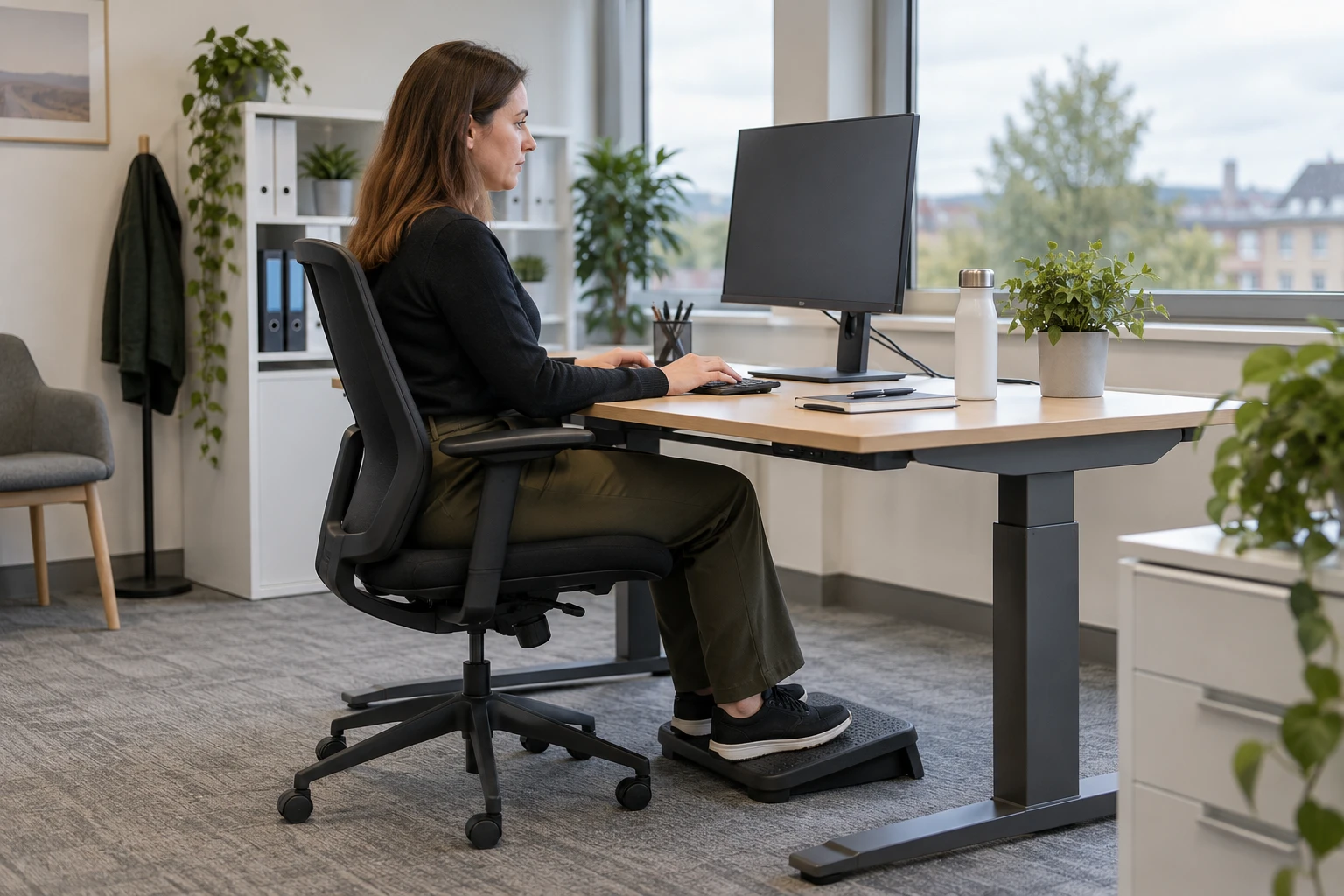
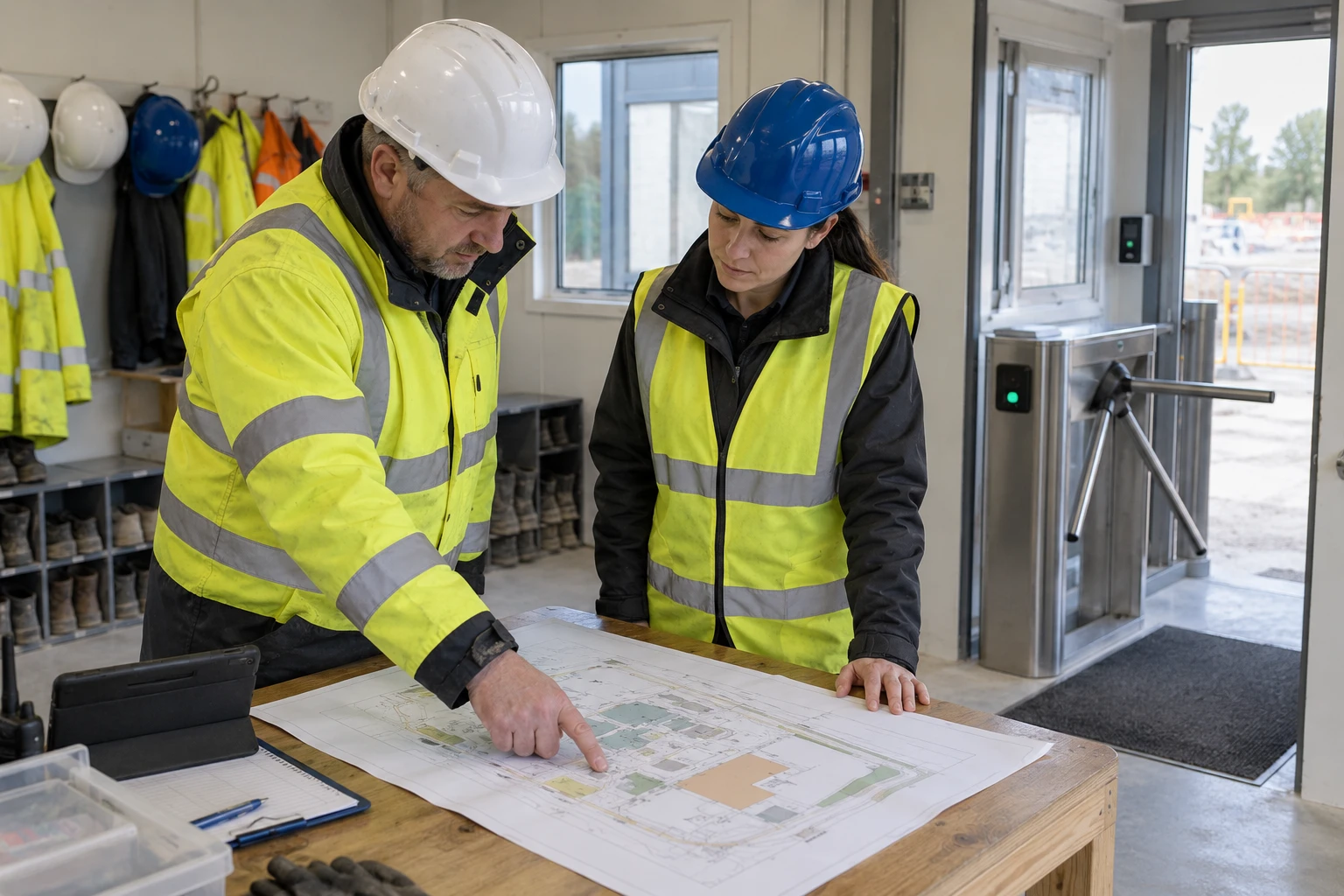
Professional teaching illustration. Read the written scenario for the facts; the image is not evidence of a real workplace.
Back-to-back calls, competing channels and continuous alerts can fragment attention and extend the working day. Map when work arrives, who is expected to respond and where people lack focus time. Treat persistent overload as a work-design issue.
What does digital wellbeing and screen time mean at work?
Digital wellbeing is the ability to use digital tools in a way that supports safe, healthy and effective work. The phrase is sometimes used casually to mean spending less time on screens. In a workplace, that is too narrow. Many jobs now depend on screens for planning, communication, records, design, bookings, maintenance systems, risk assessments, e-learning, incident reporting, monitoring, finance, customer service and supervision. The issue is not whether screens exist; it is whether digital work has been designed well. Screen time can create risk through several routes.
Static posture can load the neck, shoulders, back, wrists and hands. Visual demand can contribute to tired eyes, discomfort and headaches. Digital pace can fragment attention through alerts, chats and switching between platforms. Remote work can blur boundaries and make it harder to notice when people are isolated or overloaded. Digital wellbeing also includes fairness and inclusion. Some people need assistive technology, larger text, captions, alternative input devices, quieter communication channels, predictable meeting agendas, breaks between calls or flexibility because of disability, pregnancy, neurodiversity, caring responsibilities or health conditions.
Fictional workplace decision
Fictional hybrid office team: a worker reports a day of overlapping meetings, repeated alerts and conflicting priorities. The manager responds only by adjusting screen height and recording an equipment check.
Compare the reasoning
The manager reviews workload, interruptions and the actual task pattern alongside workstation conditions. One equipment change does not establish that the broader digital work demands are workable. Static posture can load the neck, shoulders, back, wrists and hands. Visual demand can contribute to tired eyes, discomfort and headaches.
How can work patterns undermine health and safe work?
Look beyond screen posture
Identify digital sources of overload
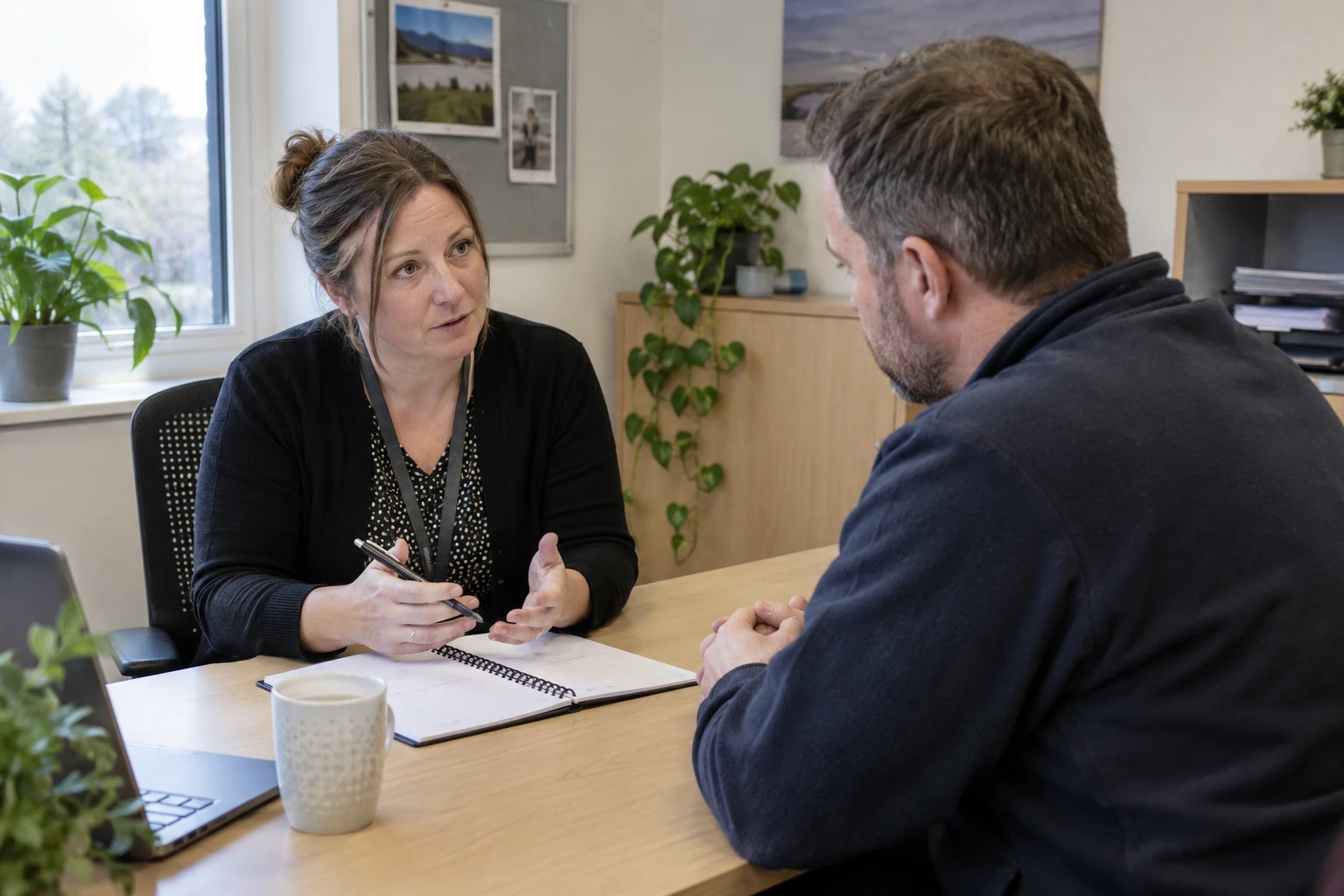
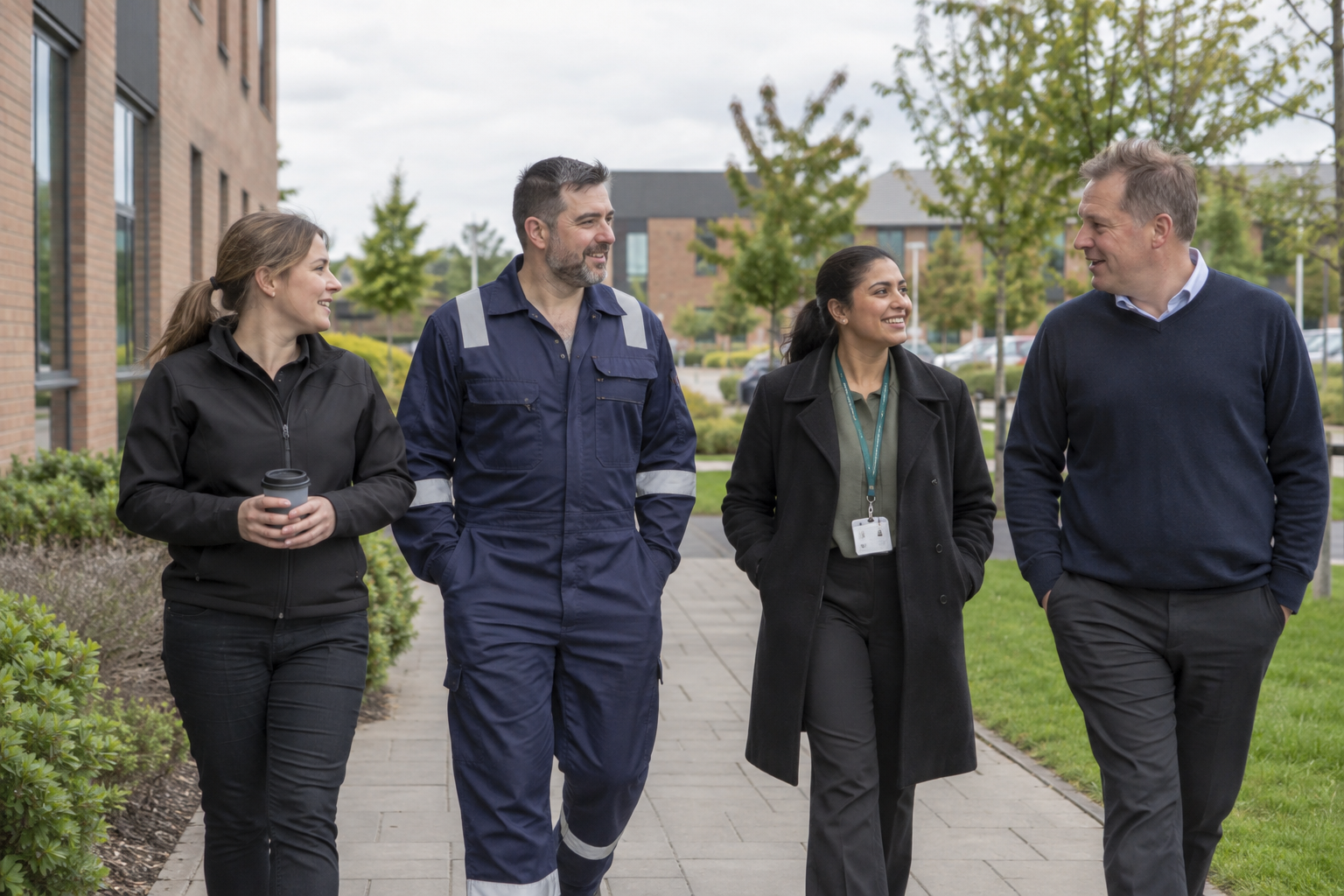
Existing SHAREhub photographic illustration. The fictional case supplies the task and decision evidence.
Back-to-back calls, competing channels and continuous alerts can fragment attention and extend the working day. Map when work arrives, who is expected to respond and where people lack focus time. Treat persistent overload as a work-design issue.
How can work patterns undermine health and safe work?
Repeated high demand without recovery can lead to fatigue, sleep loss, stress and errors. The same pattern may also remove time for caring, health needs and ordinary life, and exclusion from flexibility can deepen harm. Assess work demands and resources rather than diagnosing a person. Check hours, breaks, workload, control, support, relationships, role and change; for home work, assess display screen equipment (DSE) and isolation. Test whether agreed changes reduce the exposure. Sources: HSE Work-related stress risk assessment; HSE Fatigue
Fictional workplace decision
Fictional hybrid office team: a worker reports a day of overlapping meetings, repeated alerts and conflicting priorities. The manager responds only by adjusting screen height and recording an equipment check.
Compare the reasoning
The manager reviews workload, interruptions and the actual task pattern alongside workstation conditions. One equipment change does not establish that the broader digital work demands are workable. Static posture can load the neck, shoulders, back, wrists and hands. Visual demand can contribute to tired eyes, discomfort and headaches.
How should home and hybrid digital work be managed?
Look beyond screen posture
Identify digital sources of overload
Existing SHAREhub photographic illustration. The fictional case supplies the task and decision evidence.
Back-to-back calls, competing channels and continuous alerts can fragment attention and extend the working day. Map when work arrives, who is expected to respond and where people lack focus time. Treat persistent overload as a work-design issue.
How should home and hybrid digital work be managed?
Home and hybrid work should be assessed as real work, with proportionate controls for DSE, communication, isolation, equipment and boundaries. Home working is often lower risk than many site-based activities, but it is not risk-free. HSE confirms that employers have the same health and safety responsibilities for home workers as for other workers. The assessment should stay balanced: many issues can be managed through self-assessment, conversation and practical equipment rather than a home visit. The key question is whether the person can work in a comfortable, sustainable way.
A home setup may be fine for occasional use but poor for permanent or routine hybrid work. The employer should check DSE needs, chair and surface suitability, screen height, keyboard and mouse use, lighting, cables, breaks, communication and any individual needs. Hybrid working also needs fair management. People should not lose access to training, information, supervision, promotion or support because they are remote. Managers may need new skills to notice workload pressure, isolation, communication problems or wellbeing changes when they do not see people face to face.
For this decision, check HSE - Working with display screen equipment at home, HSE - Managing home workers' health and safety and HSENI working safely with display screen equipment for the applicable work and location.
Fictional workplace decision
Fictional hybrid office team: a worker reports a day of overlapping meetings, repeated alerts and conflicting priorities. The manager responds only by adjusting screen height and recording an equipment check.
Compare the reasoning
The manager reviews workload, interruptions and the actual task pattern alongside workstation conditions. One equipment change does not establish that the broader digital work demands are workable. Static posture can load the neck, shoulders, back, wrists and hands. Visual demand can contribute to tired eyes, discomfort and headaches.
Existing SHAREhub photographic illustration. The fictional case supplies the task and decision evidence.
Define urgent and routine channels, expected response times, meeting-free periods and an out-of-hours escalation route. Use accessible written summaries and realistic deadlines. A delayed-send feature helps only if the team understands the underlying expectations.
How can the ISO 45001 hierarchy of controls reduce work patterns that undermine rest and personal time?
Assess the work demands and remove or redesign avoidable sources of work-related stress before relying on individual support. HSE’s risk-assessment route considers demands, control, support, relationships, role and change. Assign a responsible owner and review whether the work change helps. ERICPD (Eliminate, Reduce including substitution, Isolate, Control, personal protective equipment, Discipline) is a SHARE decision prompt, not a legal ladder. HSE describes elimination, substitution, engineering, administrative controls and PPE. For work design, reduce harmful demand at source; PPE has no credible role in controlling overload or fatigue.
The mapping below tests real BuildOut design deadlines and site breaks. ERICPD is a planning crossmap. Its prompts do not add a sixth rung or rank Isolate above engineering. Discipline verifies and sustains every control level. The hierarchy of controls in ISO 45001:2018 comes under Clause 8.1.2 (Eliminating hazards and reducing OH&S risks), which is located within Clause 8 ("Operation"). ESEAP: Elimination, Substitution, Engineering controls, Administrative controls and PPE. Control order: HSE hierarchy of controls and IOSH hierarchy of control guidance. Sources: HSE Managing risk using PPE; HSE Work-related stress risk assessment; HSE Fatigue
Fictional workplace decision
Fictional hybrid office team: a worker reports a day of overlapping meetings, repeated alerts and conflicting priorities. The manager responds only by adjusting screen height and recording an equipment check.
Compare the reasoning
The manager reviews workload, interruptions and the actual task pattern alongside workstation conditions. One equipment change does not establish that the broader digital work demands are workable. Static posture can load the neck, shoulders, back, wrists and hands. Visual demand can contribute to tired eyes, discomfort and headaches.
How can the ISO 45001 hierarchy of controls reduce digital workload and strain during hybrid screen work?
Agree practical team rules
Agree communication boundaries
Professional teaching illustration. Read the written scenario for the facts; the image is not evidence of a real workplace.
Define urgent and routine channels, expected response times, meeting-free periods and an out-of-hours escalation route. Use accessible written summaries and realistic deadlines. A delayed-send feature helps only if the team understands the underlying expectations.
How can the ISO 45001 hierarchy of controls reduce digital workload and strain during hybrid screen work?
Digital wellbeing improves when the organisation controls the work design, equipment, expectations and evidence rather than leaving people to self-manage overload. The practical hierarchy starts by eliminating unnecessary digital burden. Remove duplicated systems, avoid meetings that are not needed, stop copying people into every message and design processes so workers do not have to re-enter the same data repeatedly. The cleanest control is often to simplify work before adding another wellbeing initiative. Where screen work remains necessary, reduce risk through ergonomic design, equipment, breaks, task variation, accessible software and realistic workloads.
Digital controls should be reviewed after new software, new work patterns, team growth, complaints, discomfort reports, wellbeing trends or changes to monitoring. The organisation should make good digital behaviour normal. That means managers protect breaks, model sensible response times, avoid late non-urgent messages, design inclusive meetings, review dashboards carefully and treat pain or fatigue reports as useful signals rather than personal weakness. A hybrid worker repeats entries across systems and spends long blocks at a laptop. Review the digital workload and both workstations with the user, including accessibility and realistic changes of activity.
ERICPD is a planning crossmap. Its prompts do not add a sixth rung or rank Isolate above engineering. Discipline verifies and sustains every control level. The hierarchy of controls in ISO 45001:2018 comes under Clause 8.1.2 (Eliminating hazards and reducing OH&S risks), which is located within Clause 8 ("Operation"). ESEAP: Elimination, Substitution, Engineering controls, Administrative controls and PPE. Control order: HSE hierarchy of controls and IOSH hierarchy of control guidance. A call centre needs timed relief from continuous screen queues; a field engineer using a tablet needs a safe mobile setup and realistic response windows.
In both, assess the real task and stop an unsuitable workstation or unjustified monitoring rollout.
Fictional workplace decision
Fictional hybrid office team: a worker reports a day of overlapping meetings, repeated alerts and conflicting priorities. The manager responds only by adjusting screen height and recording an equipment check.
Compare the reasoning
The manager reviews workload, interruptions and the actual task pattern alongside workstation conditions. One equipment change does not establish that the broader digital work demands are workable. Static posture can load the neck, shoulders, back, wrists and hands. Visual demand can contribute to tired eyes, discomfort and headaches.
Existing SHAREhub photographic illustration. The fictional case supplies the task and decision evidence.
Define urgent and routine channels, expected response times, meeting-free periods and an out-of-hours escalation route. Use accessible written summaries and realistic deadlines. A delayed-send feature helps only if the team understands the underlying expectations.
How should workload be made achievable?
Compare actual tasks, staffing and time; remove, defer, share or resource work before relying on unpaid overtime, skipped breaks or individual resilience. Source basis: Working Time Regulations 1998 · HSE Fatigue · HSE Managing home workers stress and mental health · HSE Management Standards overview · HSE Work-related stress risk assessment · HSENI Management Standards for work-related stress · Working Time Regulations Northern Ireland 2016 · HSE WBK01 Tackling work-related stress. Name who can change priorities. Check hidden work such as travel, handover, messages, customer recovery and training.
A deadline accepted by a manager is not evidence that the assigned workload is safe or achievable. Check actual work, overtime, travel where relevant, rest and leave against the applicable GB or NI working-time rules and the safety needs of the task; make breaks and recovery possible in practice. Do not use a single generic shift number as proof of safety. Different work and workers have exceptions or extra rules. A lawful roster can still create fatigue risk, especially with nights, on-call demands or long travel.
Sources: HSE Work-related stress risk assessment; HSE WBK01 Tackling work-related stress; Working Time Regulations 1998; Working Time Regulations Northern Ireland 2016 For ordinary adult workers within the relevant GB or NI working-time route, the baseline is an uninterrupted 20-minute break when the working day exceeds six hours, 11 hours between working days, and weekly rest of 24 uninterrupted hours per week or 48 per fortnight. Check exceptions, compensatory-rest arrangements, young workers and specialist sectors in the linked jurisdictional guidance. Whether the break is paid depends on the contract.
Provide cover so rest actually occurs; meeting the legal minimum does not establish that a safety-critical roster or journey is safe.
Fictional workplace decision
Fictional hybrid office team: a worker reports a day of overlapping meetings, repeated alerts and conflicting priorities. The manager responds only by adjusting screen height and recording an equipment check.
Compare the reasoning
The manager reviews workload, interruptions and the actual task pattern alongside workstation conditions. One equipment change does not establish that the broader digital work demands are workable. Static posture can load the neck, shoulders, back, wrists and hands. Visual demand can contribute to tired eyes, discomfort and headaches.
Existing SHAREhub photographic illustration. The fictional case supplies the task and decision evidence.
Check workload, delivery and worker feedback rather than interpreting online status as performance or wellbeing. Apply proportionate privacy controls to monitoring. Connect any ergonomic problems to the first-set DSE course, rather than assuming a communication policy fixes equipment.
How should digital monitoring and privacy be handled?
Digital monitoring should be lawful, fair, transparent, proportionate and designed to avoid unnecessary harm to trust and wellbeing. Many digital systems generate worker data: log-in times, keystrokes, productivity dashboards, call metrics, screenshots, location data, webcam use, email volumes, system access and performance analytics. Some monitoring may be necessary for security, safety, quality or regulatory reasons, but the fact that technology can monitor something does not mean it should. The ICO expects employers to balance business interests with workers' rights and freedoms. Monitoring should have a clear purpose, a lawful basis, transparent information for workers, data minimisation, retention controls and consideration of less intrusive alternatives.
High-risk monitoring may require a data protection impact assessment (DPIA). From a wellbeing perspective, excessive or poorly explained monitoring can create anxiety, reduce trust, encourage performative activity and push people to stay visibly online rather than working effectively. Good digital wellbeing therefore includes governance over monitoring tools as well as chairs and screens. For this decision, check ICO - Data protection and monitoring workers for the applicable work and location.
Fictional workplace decision
Fictional hybrid office team: a worker reports a day of overlapping meetings, repeated alerts and conflicting priorities. The manager responds only by adjusting screen height and recording an equipment check.
Compare the reasoning
The manager reviews workload, interruptions and the actual task pattern alongside workstation conditions. One equipment change does not establish that the broader digital work demands are workable. Static posture can load the neck, shoulders, back, wrists and hands. Visual demand can contribute to tired eyes, discomfort and headaches.
Existing SHAREhub photographic illustration. The fictional case supplies the task and decision evidence.
Check workload, delivery and worker feedback rather than interpreting online status as performance or wellbeing. Apply proportionate privacy controls to monitoring. Connect any ergonomic problems to the first-set DSE course, rather than assuming a communication policy fixes equipment.
What should leaders test?
Leaders should sample real hours, break cover, workload, risk actions, request decisions, adjustments, remote support and worker feedback, and check whether changes reduced harm without shifting it elsewhere. Use anonymised trends carefully. Count closed work-design actions and effectiveness, not merely wellbeing event attendance or request approvals. Examine unequal access across site, shift and remote roles. Roster versus actual hours. Field test: Were breaks and recovery real?; Escalation: Resource change. Stress risk action. Field test: Did demand or control improve?; Escalation: Senior owner. Request and adjustment.
Field test: Were separate routes used fairly?; Escalation: HR or equality review. Homeworking. Field test: Did DSE and support actions close?; Escalation: Safety owner. Sources: HSE Work-related stress risk assessment; nidirect Flexible working and work-life balance
Fictional workplace decision
Fictional hybrid office team: a worker reports a day of overlapping meetings, repeated alerts and conflicting priorities. The manager responds only by adjusting screen height and recording an equipment check.
Compare the reasoning
The manager reviews workload, interruptions and the actual task pattern alongside workstation conditions. One equipment change does not establish that the broader digital work demands are workable. Static posture can load the neck, shoulders, back, wrists and hands. Visual demand can contribute to tired eyes, discomfort and headaches.
Which legal duties apply to digital wellbeing and screen time?
Review without intrusive monitoring
Review working practices fairly
Professional teaching illustration. Read the written scenario for the facts; the image is not evidence of a real workplace.
Check workload, delivery and worker feedback rather than interpreting online status as performance or wellbeing. Apply proportionate privacy controls to monitoring. Connect any ergonomic problems to the first-set DSE course, rather than assuming a communication policy fixes equipment.
Which legal duties apply to digital wellbeing and screen time?
The main UK duties come from health and safety law, DSE law, working time, equality law and data protection law. GB and Northern Ireland use separate instruments; do not carry a GB regulation number into an NI decision. Relevant GB and NI DSE regulations require workstation assessment, risk reduction, planned breaks or changes of activity, eyesight-test arrangements and training or information for DSE users. Check GB DSE Regulations 1992 and NI DSE Regulations 1992 separately. Digital wellbeing also sits under broader duties. Employers must manage risks to health and welfare, assess work risks, provide suitable equipment and information, and review controls when circumstances change.
Where digital work affects disabled workers or people with health conditions, equality and reasonable adjustment duties may also be relevant. Digital monitoring adds data-protection duties. Before monitoring worker activity, productivity or communications, set a lawful and specific purpose, assess necessity and proportionality, tell workers what happens, limit access and retention, and complete a DPIA where needed. See ICO monitoring-workers guidance.
Fictional workplace decision
Fictional hybrid office team: a worker reports a day of overlapping meetings, repeated alerts and conflicting priorities. The manager responds only by adjusting screen height and recording an equipment check.
Compare the reasoning
The manager reviews workload, interruptions and the actual task pattern alongside workstation conditions. One equipment change does not establish that the broader digital work demands are workable. Static posture can load the neck, shoulders, back, wrists and hands. Visual demand can contribute to tired eyes, discomfort and headaches.