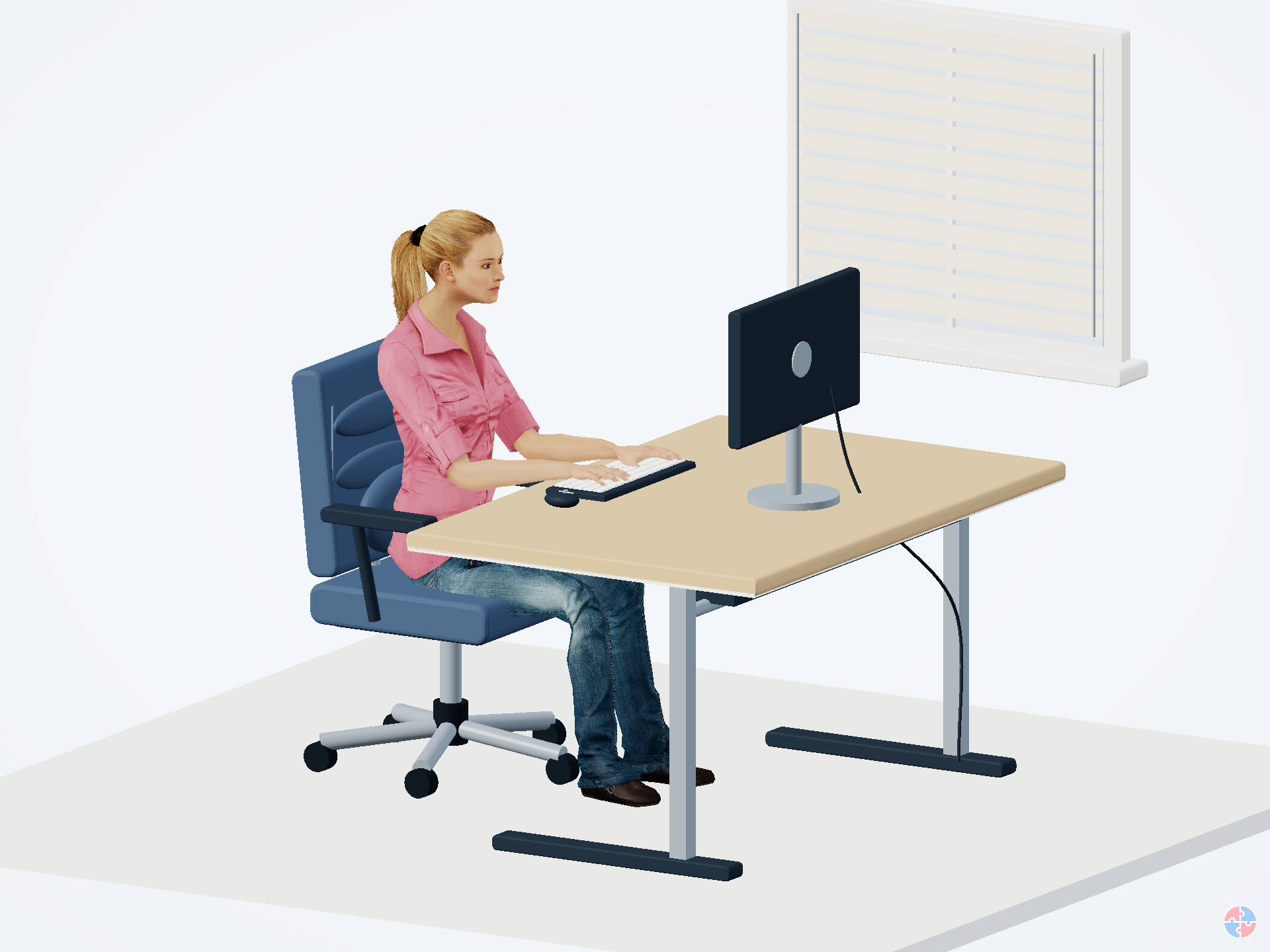
Office workstation
Check shared-desk adjustments, display positions, reflections, equipment condition and whether the actual workload allows movement. Employer-provided equipment still needs to fit its user.

DSE · OPTIONAL WORKPLACE APPLICATION
Check the actual task at your office desk, your home setup, or both. Find practical improvements and download a separate report for each place.
Either location can work well or need improvement. An office chair, a personal laptop or a domestic room is not a risk rating. Assess the equipment, person, work and environment together.
Check shared-desk adjustments, display positions, reflections, equipment condition and whether the actual workload allows movement. Employer-provided equipment still needs to fit its user.
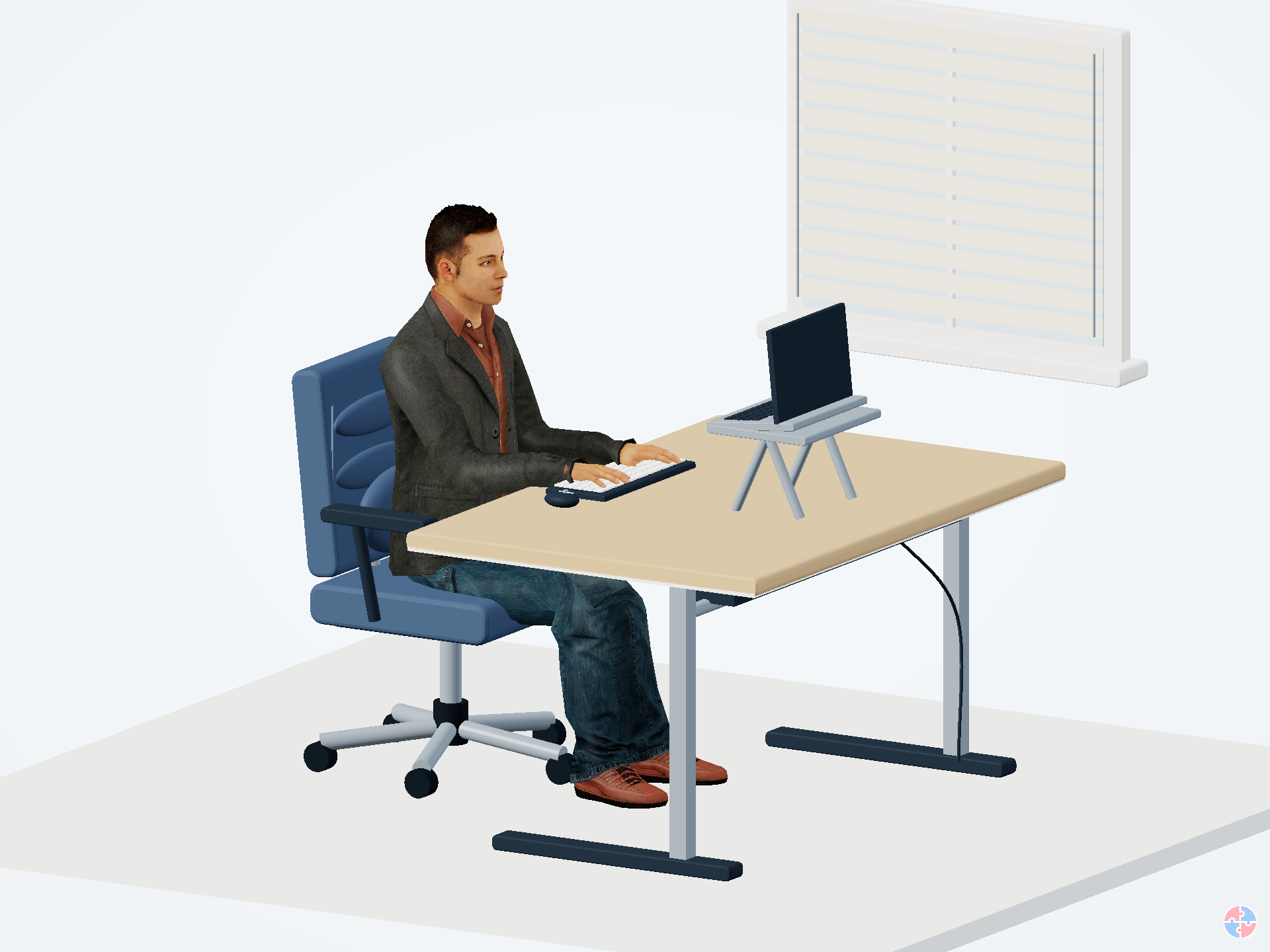
Check laptop height, seating, available space and changing daylight. Agree equipment and support through your employer. Suitable home furniture can work; the assessment should decide.
If you work in both places, assess both. Do not extend an office finding to an unchecked home setup. Where equipment is needed to control a work-related DSE risk, discuss provision with your employer.
This is a guided self-assessment to support trained assessor review. It does not certify a workstation, diagnose pain or replace your employer's assessment arrangements. Allow roughly 10–20 additional minutes per setup, including trying the adjustments.
The number reflects recorded concerns, not a probability of injury. A low number cannot override discomfort, individual needs or a dangerous defect. Recommendations do not lower the current score until the setup is changed and checked.
ASSESS THE REAL SETUP
Answers remain only in this open page. They are not sent to SHAREhub or Moodle and do not affect your course result. Download your report before leaving. Avoid names, home addresses and detailed medical information; use a desk reference.
Use the numbered hotspots or the list below. Check each point while doing your normal task. Select Not sure when evidence or help is needed.
REALISTIC PEOPLE · ONE WORKSTATION MODEL
Turn the workstation through 360°. Select an assessment area, then mark any improvements needed. Use the checkboxes beneath the model to explore poor setups, red discomfort areas and glare. Compare an adjusted example at any time.
Loading the 3D view when it comes into view. The model still and all assessment areas are available below.
ASSESSMENT AREAS
All comparison images are rendered from the same detailed workstation model: a woman for the office setup and a man for the home setup. Red discomfort effects are an interactive teaching layer. They show example arrangements to help you inspect your actual setup.
Use these printable versions if completing the checks away from the screen. Each contains the checks, action fields, scoring method and illustrated improvement guide.
Ask a trained assessor to review the answers, clarify uncertainty and agree actions. Record an owner and due date, try the changes during the task and verify whether they help. Review again after a relevant change, a new user or discomfort.
HSE guidance describes the Great Britain arrangements. Northern Ireland has separate DSE regulations; use your employer's applicable jurisdiction and assessment process. This optional personal worksheet does not submit or approve an employer record.